

Order Through Me
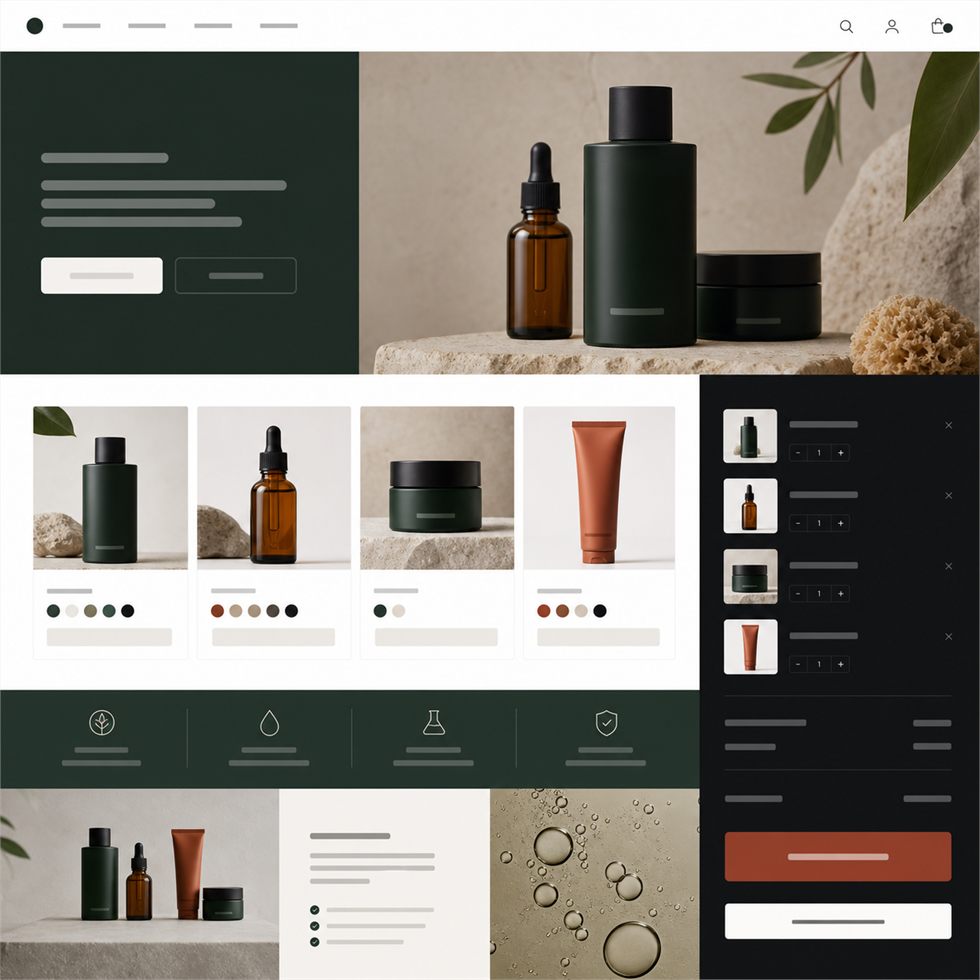
WhatsApp Product Catalogue
Show products, prices, and details, then send buyers to WhatsApp.
CatalogueWhatsAppOrders
One-page template websites
Template websites are best for one clear purpose: orders, bookings, RSVPs, menus, prices, portfolios, or quote requests. They are faster and more affordable, but less flexible than a custom website.
Template gallery
Pick the closest local need first. Each option is a one-page template starting point. If your business needs more pages, custom features, or a unique structure, the brief will guide you away from templates.
Find my template
Type your business or answer the short helper. The gallery will bring the closest category forward.
Good for sellers who need a simple product page and direct WhatsApp ordering.
Show products, prices, and details, then send buyers to WhatsApp.
Focus attention on one offer, one action, and a clean buying path.
Let people request an item, size, color, quantity, or custom detail.
Announce what is coming and collect interest before launch.
Show services, pricing, work samples, and booking contact.
Let the quality of the work create trust before the inquiry.
Make the service and booking step easy to understand.
Explain where you go, what you do, and how to book.
Show the menu clearly and move people into an order chat.
Make event food options feel clear, organized, and quotable.
Use photos, flavors, and custom order prompts to create desire.
Present weekly meals, pricing, and recurring order interest.
Countdown, lineup, schedule, and tickets — one page that sells the night.
Your story, the day, travel, gallery, and RSVPs — one elegant invitation online.
Speakers, agenda, venue, and early-bird tickets — a summit site that sells seats.
Schedule, bracket, prize pool, and team registration — the whole cup, one site.
Give guests the details and collect RSVPs in one elegant place.
Put the date, venue, program, and attendance action in one place.
Show event work and make inquiries easy for future clients.
Help people ask about tickets, seats, or limited attendance.
Make your expertise clear before someone contacts you.
Show selected work and create a direct booking path.
Explain your service clearly and move people toward inquiry.
Create a credible page for bookings, events, and public work.
Explain the service and make requesting a quote obvious.
Use proof, service clarity, and one direct contact path.
Make calling, WhatsApp, or urgent contact the clear next step.
Show completed work and turn trust into quote requests.
What happens next
A template is a fast one-page start. Here is exactly what you get, what you don’t, and what we need from you.
Included
Not included
You send
If the brief shows you need more than a template, Tuvana will guide you into a custom website scope before the build begins.
Send the template website form and let Tuvana collect only what is needed.